Skyjo Score Counter: Smart Grid and Finisher Management
Stop wasting time on calculations at the end of each Skyjo round. Scorio's assistant handles the input grid, finisher doubling and cumulative scores automatically.
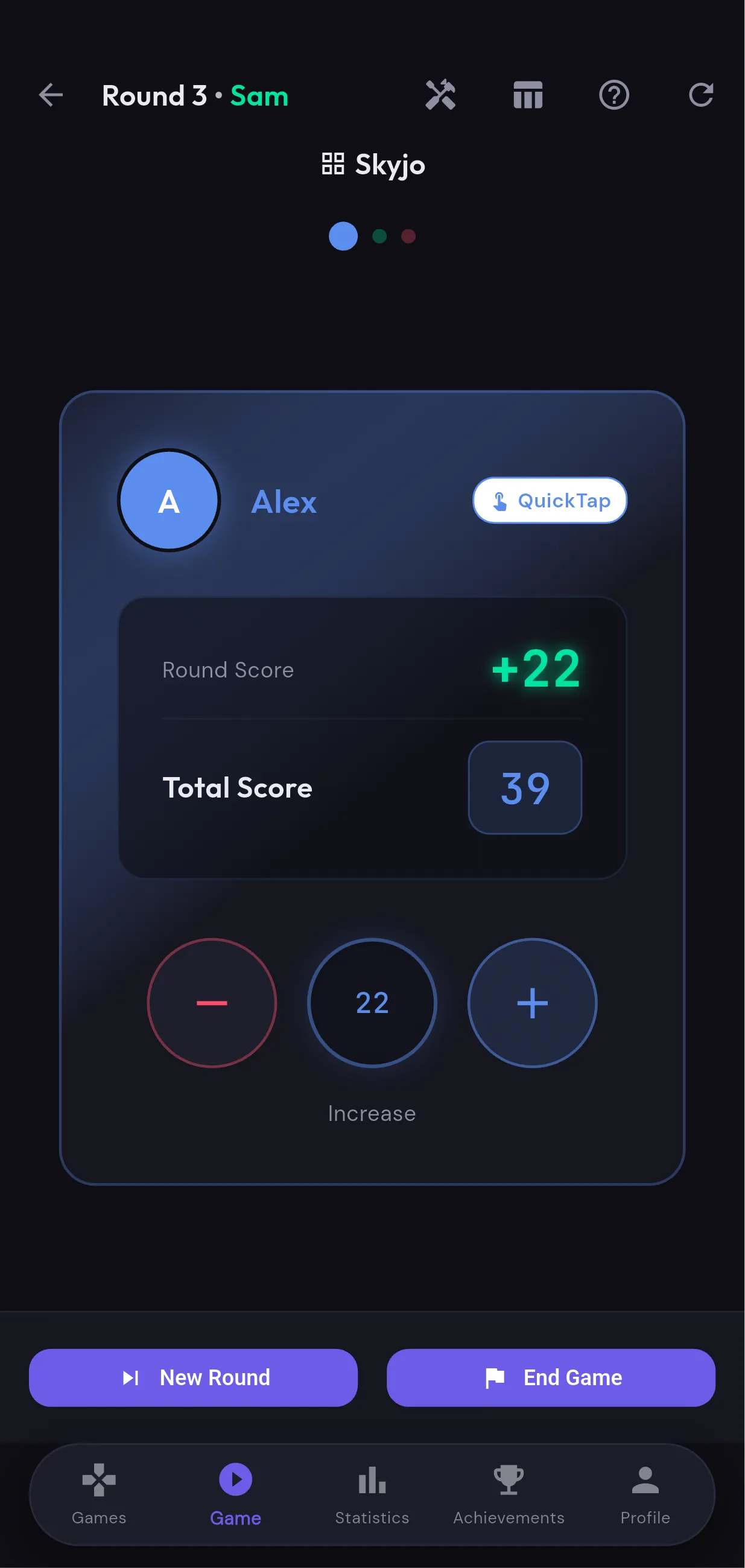
How to count points in Skyjo?
Skyjo is a card game where the goal is to have the lowest score possible. Cards range from -2 to 12 points. At the end of each round, each player adds up the values of their remaining cards. Scores accumulate round after round. The game ends when a player reaches a point threshold (usually 100). The player with the lowest score at that point wins the game.
- Cards from -2 to 12: each card is worth its face value in points
- Matching columns are eliminated (0 points) — a key strategic advantage
- The lowest score wins — negative scores are therefore very advantageous
- The game ends when a player reaches the threshold (configurable in Scorio)
What is the Finisher rule in Skyjo?
The Finisher rule is the most important and most often misapplied mechanic in Skyjo. When a player flips their last hidden card, they "end" the round and become the Finisher. All other players play one more turn, then scores are calculated. Here's the crucial rule: if the Finisher does NOT have the lowest score of the round, their score is doubled as a penalty. Scorio handles this rule automatically.
How does Finisher doubling work in Scorio?
At the end of each round, Scorio asks you to designate the Finisher. The app then compares the Finisher's score with the other players' scores. If the Finisher has a score equal to or higher than the lowest score among the other players, their score is automatically doubled. Important exception: negative scores are never doubled.
- The Finisher has the lowest score → no penalty, normal score
- The Finisher does NOT have the lowest score → their score is doubled (x2)
- Exception: a negative score is NEVER doubled
- Scorio applies this logic automatically after selecting the Finisher
Fonctionnalités Scorio pour Skyjo
Visual Input Grid
Enter cards directly on a visual grid identical to the game layout. The calculation is instant and error-free.
Finisher Management
Scorio asks who ended the round and automatically applies the doubling if the Finisher doesn't have the best score.
Negative Score Protection
Negative scores are never doubled, even in case of a Finisher penalty — in accordance with official rules.
Free Input Mode
For expert players who prefer to enter the total score manually, a quick input mode is available.
Rule Validation
The assistant validates scores and warns you of unusual values (score below -50 or above 100).
Real-Time Leaderboard
The leaderboard updates after each round with the leader highlighted. Perfect for long games.
Questions fréquentes sur Skyjo
What happens if the Finisher has a negative score?
Can the end-of-game threshold be configured?
How does the input grid work?
Is the Skyjo score counter free?
Prêt à compter les points de Skyjo ?
Téléchargez Scorio gratuitement et laissez l'app gérer les scores pour vous.